
Appearance
Operator Control View
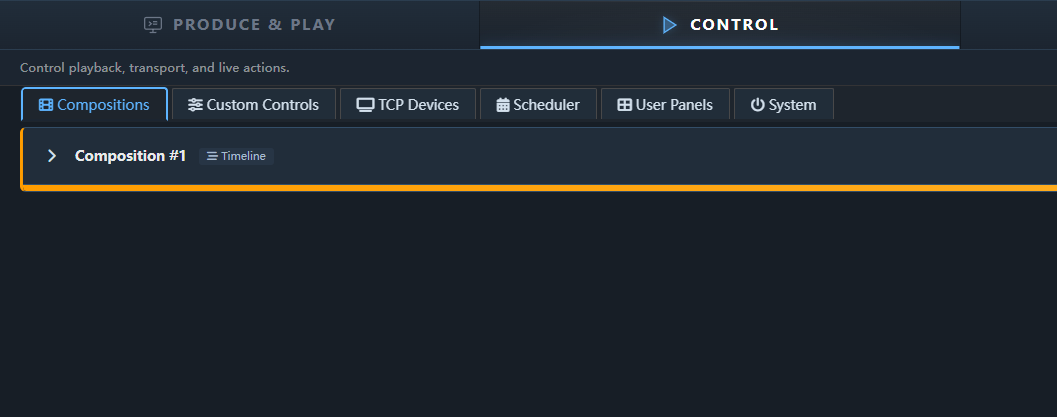
The Operator Control view is a streamlined interface intended for the person running the show. It hides the composition editor and exposes only the tools needed to execute cues and manage playback.
URL: http://<engine-ip>:8123/control
Sections
Transport
Large, clear play/stop/pause buttons with the current timecode displayed prominently. Designed to be usable at a glance in a dimly lit venue.
Playlist
All cues from the project are shown as a vertical list. The current cue is highlighted.
- Click a cue to execute it immediately.
- Space or Go button advances to the next cue.
- Cue status indicators show whether a cue is pending, active, or complete.
Screen Status
A compact grid shows the current state of each output screen: playing, stopped, or in error.
Keyboard Shortcuts (Control View)
| Key | Action |
|---|---|
Space | Execute next cue (Go) |
Backspace | Step back one cue |
Escape | Stop all playback |
0–9 | Jump to cue number |
Sharing with the Operator
The control view is a standard web page — no installation needed on the operator's machine. Share the URL via your venue network. Any modern browser on a laptop, tablet, or phone works.
Security note: The control view has no built-in authentication. Use your network firewall or a VPN to restrict access to trusted devices.